LettuceMeet Down? Scheduling Alternatives for Game Groups
Your LettuceMeet link spins, the group chat is filling with "did anyone vote yet?", and your Friday game is quietly dying. Before you panic, there is a quick way to check whether it is the site or your connection, and a short list of free tools that can take over.
To check if LettuceMeet is down, open it in a fresh tab, try mobile data, then look at a third-party monitor. No official status page turned up, so no single check is final. If it is truly down, switch to a no-login tool such as Rallly or Crab Fit, or one built for game groups, and repost the link.
I run real games, so I care about one thing more than features: does the session actually happen? A few years back I lost a Saturday session because the poll link died and the reminder I was counting on never went out. Below is how to check, what a game group needs from a poll tool, and an honest look at the free options.
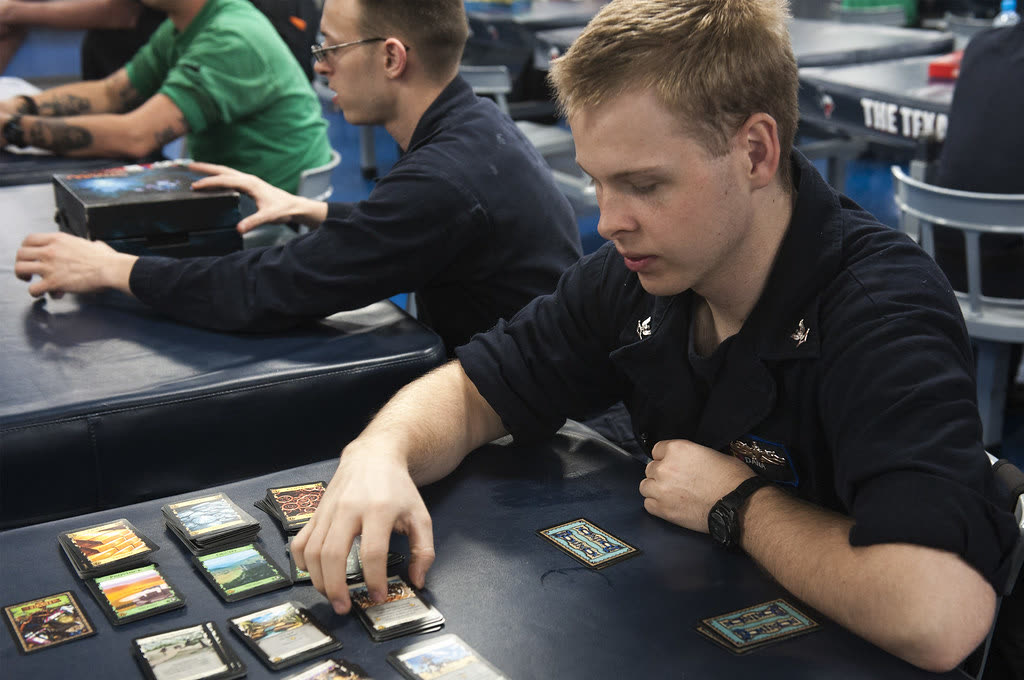 Photo: CNE CNA C6F via Flickr, public domain
Is LettuceMeet Down Right Now?
Open lettucemeet.com directly in a fresh tab, then check a third-party monitor. As of 2026-09-30 I found no official LettuceMeet status page, only unofficial trackers, so no single check settles it. If the site loads for you, the problem may be your network or a stale poll link.
How to Tell Down-for-Everyone From Down-for-You
- Try another device or network. Switch from Wi-Fi to mobile data. If the poll loads there, the problem is on your side.
- Check a monitor, with caveats. SaaSHub calls its page "the unofficial LettuceMeet status page" and says it cannot promise 100% accuracy. IsItDownOrJustMe says its results come from one checker location, not a global outage claim.
- Clear the cache or open a private window. A cached page or a browser extension can break a poll that works fine for everyone else.
None of this tells you whether the tool will be back before Friday. That is a good moment to ask what you actually need from a scheduler.
What Does a Game Group Actually Need From a Scheduling Tool?
A game group scheduling tool needs more than a shared grid. It needs players to vote without friction, a way to handle repeating sessions, and a rule for when the game counts as "on." Most generic poll tools were built for one-off meetings, so several of these needs go unmet.
Here are the six I look for:
- No login for players. Every account wall costs you a vote. The quiet player who never replies is usually the one who bounced off a signup screen.
- Recurring sessions. A campaign runs for months. Re-polling every week is its own kind of session cancellation. (More in campaign scheduling.)
- A quorum threshold. The game only happens if enough people can make it. A tool that shows you "4 of 5 free" is more useful than one that shows a wall of green and red.
- Time zones. Online groups span them, and "8 PM" means nothing without one.
- Reminders. People forget. A nudge the day before saves the session.
- Living where the group already chats. If your table lives in Discord or Telegram, a poll link that lives elsewhere gets ignored.
If you want the concept behind point three, what is quorum scheduling covers it in detail.
Which Free LettuceMeet Alternatives Work for Game Groups?
Several free LettuceMeet alternatives can rescue a stalled poll: When2meet, LettuceMeet, Doodle's free tier, Rallly, Crab Fit, and a plain shared calendar. Each is fine for a one-off. Where they differ is recurring sessions, quorum, and reminders. Below, I only state what each tool says about itself.
When2meet
When2meet describes itself as "a free survey tool that is quick and easy to use" for finding the best time for a group. It is a grid poll where you paint the slots you are free, and I have used it more than once when a group needed a date in ten minutes. The homepage says nothing about logins, recurring events, or calendar sync, so I will not claim any. When a group just needs one date fast, it does the job.
LettuceMeet
LettuceMeet's homepage says it is "100% free, no account required, and integrated with Google calendar." Recurring and time zone behavior are not stated there, so check before you rely on either. My own players have bounced off signup screens before, so the no-account line is the part I care about. For a deeper head-to-head with Tabletop Time, see my LettuceMeet comparison.
Doodle's Free Tier
Doodle's help center lists 10 time slots per group poll on the free plan, versus 1,000 on Professional. Rallly, a competitor, wrote that the free tier allows one group poll, shows ads, and puts deadlines and reminders behind a paywall. That is a competitor's claim, so check Doodle's own pricing page for current terms, including what participants need to sign up for.
Rallly
Rallly says you can "create a poll and vote on one without signing up," and that each participant sees the options in their own time zone automatically. It is open source, and creating polls and collecting votes costs nothing, with no limit on participants. The organizer proposes times and the group votes. Its homepage does not state recurring events or calendar sync.
Crab Fit
Crab Fit is a free, open-source heat-map poll: everyone marks when they are free, and the overlap shows up as color. Its create form has a time zone selector, no login step, and lets you choose specific dates or days of the week. Events are deleted after 3 months of inactivity, which matters for a long campaign, because a poll you reuse in January may be gone.
A Shared Calendar
A shared calendar works when your group already agrees on a slot and only needs it on everyone's phone. It is weak at the part that fails most often: finding the slot. Nobody can vote on a calendar event, and nothing tells you whether enough people can come.
Tabletop Time
Tabletop Time is my own tool, so weigh that accordingly. It is free, and players vote from a shared link with no account, and it has quorum logic, so you can set a minimum player count and see which dates clear it. It also supports multi-session campaigns, reminders, and Telegram and Discord bots. It is aimed at game groups specifically, which is both the point and the limit: for a one-time dentist-office meeting, any tool above will do.
Only the tool built for game groups states quorum and recurring support on its own site, and since Tabletop Time is mine, treat that row as a claim to test, not a verdict.
Poll Grid or Preset Times: Which Fits a Game Night?
Use a grid poll when you have no idea which days work, and preset date votes when you already have three to five candidate nights. Grids are better for discovery, and presets are faster for decisions. Neither style tells you, by itself, whether enough players can attend.
With four to six players, the practical difference is small but real. A grid asks everyone to paint a week of slots, which is a chore for a group of five and invites half-finished answers. A preset poll is three taps per player, so replies come in faster, but you only learn about the nights you thought to offer.
A grid (When2meet, LettuceMeet, Crab Fit) shows a heat map of overlap. That is great for a new group, but you have to eyeball whether the best slot has enough people. Preset votes (Rallly, Doodle) are easier for players, since they tick a few boxes. Either way, you still count heads yourself. Quorum logic does that counting for you, which is why I built it into Tabletop Time. For the workflow, see how to schedule D&D.
What Should You Do When a Poll Tool Fails Mid-Vote?
Save the votes you already have, move to a no-login tool, and give the group a deadline and a minimum player count. Do not restart the whole conversation in the group chat. The goal is to lose as few responses as possible and get to a decision quickly.
- Screenshot what you have. If the poll still loads once, capture the responses before anything else.
- Restart on a no-login tool. Pick one from the list above and repost the link. Fewer steps means fewer dropouts.
- Set a deadline. "Vote by Wednesday night" beats an open-ended poll.
- Name a minimum. Say "we play if four of us can make it" up front. That is quorum scheduling in one sentence, and it stops the wait for a perfect 100% turnout. If your group is wary of handing over accounts and email addresses, that is one more reason to prefer no-login tools.
Which One Should You Pick?
Pick by situation, not by brand. A one-off date, a recurring campaign, and a chat-native group each need something different, and the wrong match costs you votes or sessions. Choose the lightest tool that covers your group's real bottleneck, then check that its own site still says what you are relying on. Here is how I would decide.
- One-shot night, no fuss: When2meet, LettuceMeet, or Crab Fit. Post a link, collect a grid, done.
- Three or four candidate dates: Rallly, or Doodle if you are fine with the free-tier limits.
- Recurring campaign that lives or dies on attendance: a tool with quorum and a recurring series, like Tabletop Time.
- Group that lives in Discord or Telegram: favor a tool with a bot, so the poll and reminders show up where players already are.
- Group that dislikes accounts: stick to tools that state no signup, and check that each still says so when you use it.
If your poll tool is back tomorrow, great. It is still worth knowing which one you would switch to before the night it goes down.